ChatGPT Space, Pages and plugins: what DevDay 2026 changes at work
Start by piloting ChatGPT Space and Pages with one team, and @ChatGPT in one Slack or Teams channel. Roll out Meetings last, because it needs consent from everyone in the meeting. Before you start, check your plan and where your data lives. ChatGPT Business has no EU data residency today, and the new features are not on the residency list even on Enterprise.
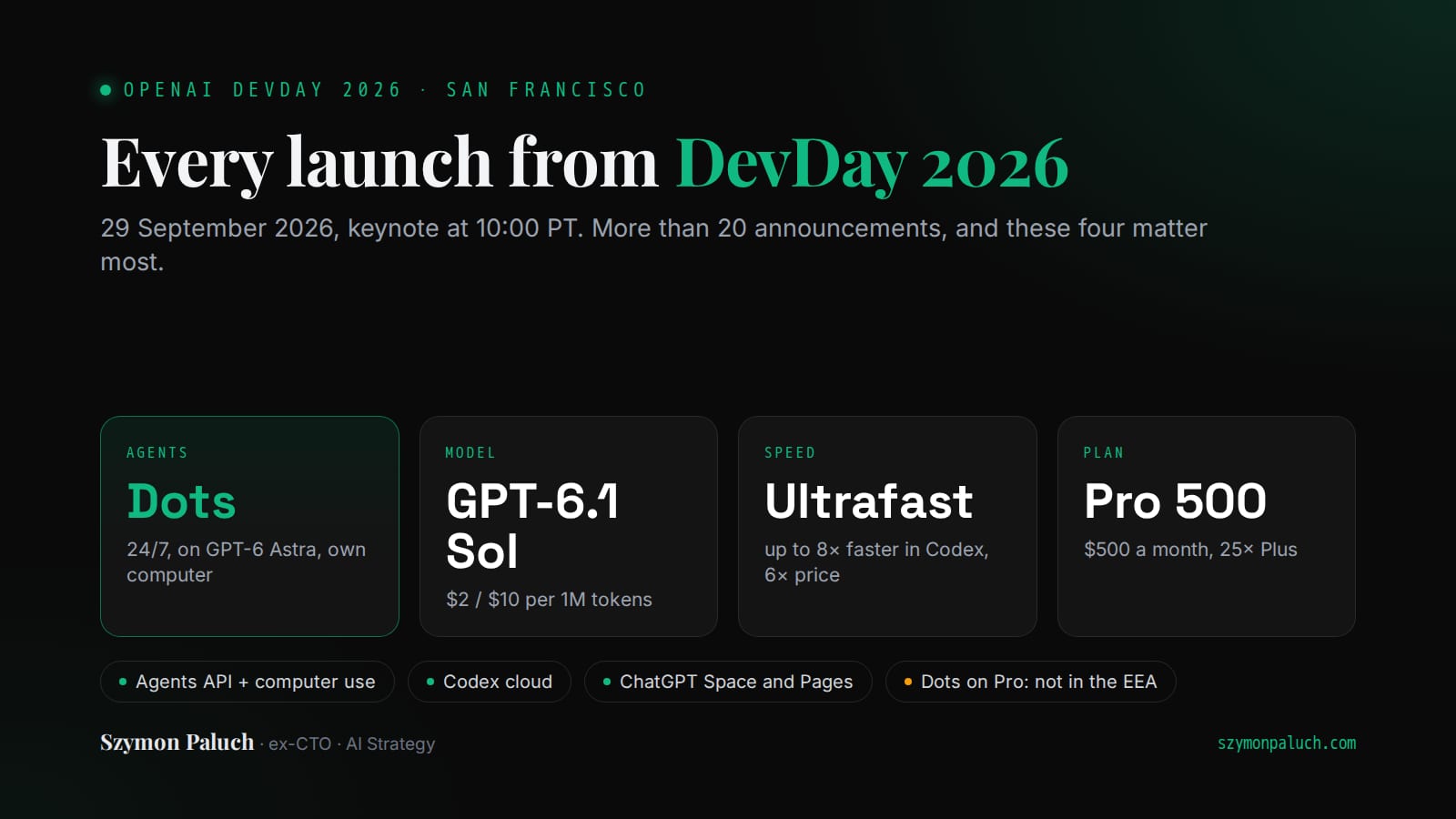
On 29 September OpenAI made more than 20 announcements at DevDay 2026. Many of them land in company work. I have not tested them yet, because they only just shipped. I work from OpenAI's docs and help pages.
I advise Polish companies on AI rollouts, so I ask one thing: what to switch on first, and what to check before anyone clicks. The full list of announcements in keynote order, with timestamps is in a separate overview.
What are ChatGPT Space and Pages?
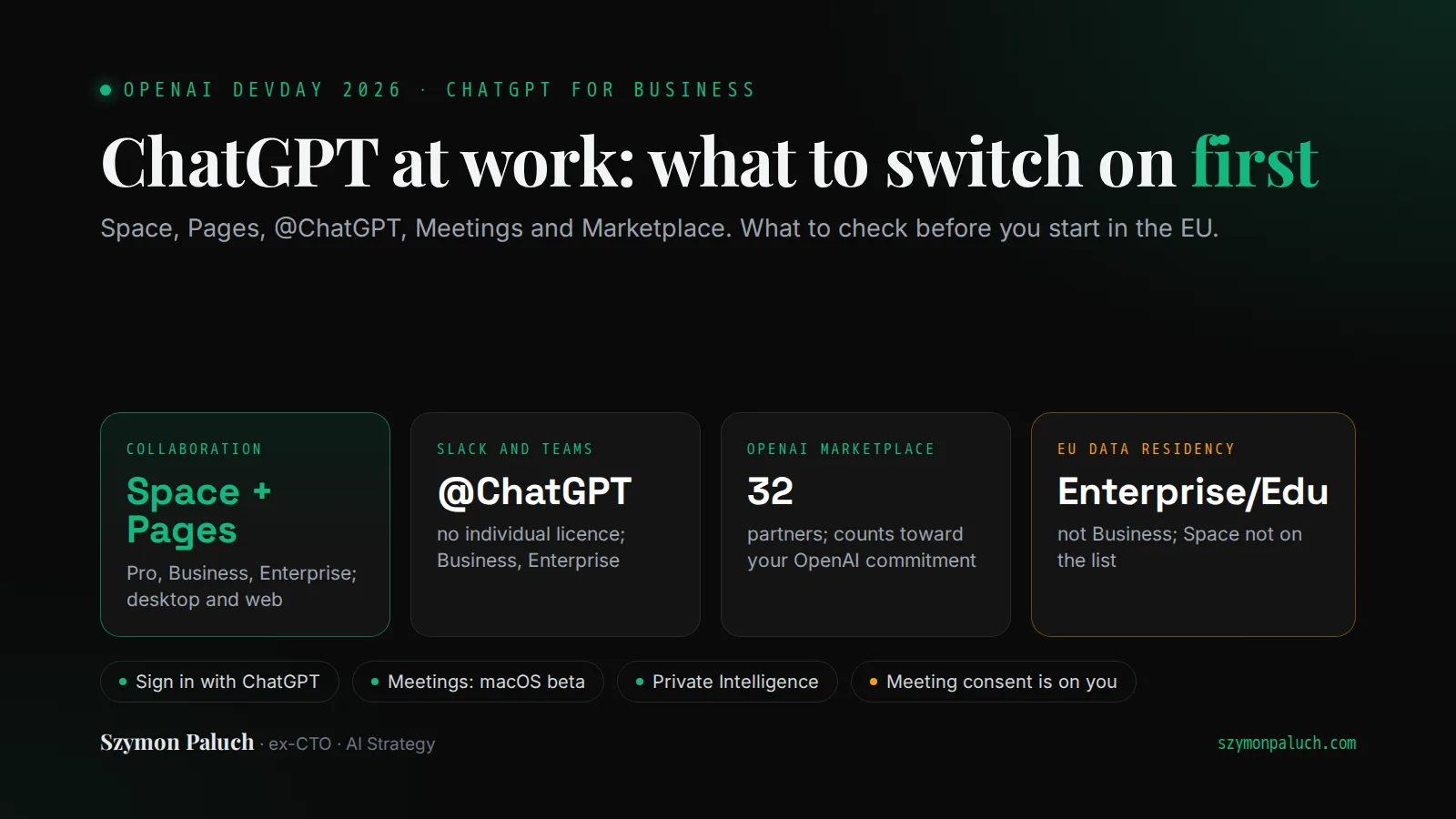
Space is a new place where a team works with AI. It holds the team's pages and files. Space replaces Library. Projects stay separate. You can tag in ChatGPT, Codex or your dot.
Pages are a new type of document for people and agents to work on together. On a page you do what you do in a chat: write, research, build a chart. Several people edit a page at once, each with their own ChatGPT. An automation can refresh it from your connected tools.
Space and Pages work on Pro, Business and Enterprise, in the desktop app and on the web. On a phone you can find, read and share pages, but not yet create or edit them. On Enterprise, sharing is an opt-in preview. Collaborative slides are due in the coming weeks, spreadsheets with no date.
Dots, OpenAI's new agents, also work in Space. Your dot can keep a page current as plans change. I wrote separately about how Dots work, the always-on agents with their own cloud computer.
Before you start, decide who shares what. Anything you or ChatGPT write on a page is visible to people with access, including personal details ChatGPT pulls from its memory of you. OpenAI also warns about prompt injection in pages, files and tool results. One catch for admins: blocking sharing leaves existing access in place. So set the rules on day one.
Teams, team tasks and @ChatGPT in Slack and Teams
On Business and Enterprise you can now group people into a team that shares pages, slides, plugins and spreadsheets. It can hand recurring work, such as a weekly project update, to team tasks. A task runs on a schedule, or when a new email or Slack message arrives.
Tasks run in the cloud under the team's service account and use workspace credits. They do not inherit their creator's memories or instructions. I would check two things. A new member sees every earlier run, files included. And the team's account can reach data that an individual employee cannot.
You mention @ChatGPT in a channel, thread or DM in Slack or Microsoft Teams. It works on Business, Enterprise and Edu. Teammates do not need their own ChatGPT licence. Requests @ChatGPT handles itself count against its service account. Work that uses someone's personal connections counts against theirs. At launch @ChatGPT has no memory. It asks for approval before acting in a connected tool.
Your organisation has to install and enable it first. If you already run ChatGPT in Slack, a Slack admin approves the new permissions. For a pilot, choose selected channels only in Slack. That setting does not block DMs.
Meetings: meeting notes and participant consent
The Meetings plugin takes notes, writes a summary with action items and saves it all in Space. No bot joins the call. The app streams the Mac's microphone and system audio to OpenAI. Once the notes are ready, the audio is deleted from the Mac and from OpenAI's servers. Offline, it may wait on the Mac for a while.
Meetings is a beta in the macOS desktop app on Pro and Business. On Enterprise, OpenAI is testing it in an alpha with selected customers. Windows, iOS and Android are coming soon. The notes page is private by default. Share it, and others see the notes but not the transcript.
One sentence in OpenAI's help carries the most weight. It tells you to inform everyone in the meeting that you are taking notes and get their consent before you start. The consent reminder is visible to you only. The app does not notify anyone else or ask them. So you ask for consent yourself, and under GDPR that matters. A lawyer will name the legal basis. I would do one thing. Write down who may switch Meetings on and how they announce the notes. Then hand out the plugin.
Plugins, Sign in with ChatGPT and OpenAI Marketplace
OpenAI is opening the platform it uses to build ChatGPT's own features. A plugin gets a home in the sidebar, a panel beside the conversation and a viewer for its file types. OpenAI's docs show examples from Canva, Figma and Adobe. Then there are MCP Events, a proposed specification: something happens in a connected app, and the plugin starts an automation. Every plugin opens a new path to company data. Users pick plugins and approve each one's access, so the company should list which plugins it allows.
Before you write your own plugin, check whether a partner's plugin already does the job. In the piece on the AI stack I set out when to buy a ready-made tool and when to build your own. Usually you build domain logic and legacy integrations, and buy the rest.
Sign in with ChatGPT lets you log in to other apps with your ChatGPT account. Plus and Pro users can also spend their plan's allowance there, at launch in 16 partner tools including Cognition's Devin, Notion, Vercel and T3. You give each app a weekly cap as a percentage of your plan. The app gets your name, email and profile picture. It does not get your conversations, memories or an API key.
Plan usage works only on Plus and Pro, usually individual accounts. So an employee can plug a personal plan into a tool the company does not know about. Add that to your AI rules.
OpenAI Marketplace is for eligible enterprise customers with an existing spend commitment to OpenAI. They can put part of it toward approved partner software. There are 32 partners at launch, including Adobe, Figma, Salesforce, Harvey and CrowdStrike. You contract with and pay the partner, and OpenAI reconciles your commitment. Not every product from a listed partner qualifies. For now, companies register interest through a form. I found nothing on whether EU customers are covered.
Someone has to choose and connect these tools, and the DevDay recap says nothing about implementation partners. I cover who will deploy these tools at client companies and where OpenAI's partners fit in a separate piece.
What is OpenAI Private Intelligence?
It is OpenAI's name for two privacy features. The first is Zero Data Retention with Private Safety Processing, one combined mode for the API only. It has been rolling out in phases since 22 September, to organisations OpenAI already approved for ZDR. Safety review runs automatically, without OpenAI personnel seeing the content. Only a hardware-attested environment is meant to decrypt it. That is already confidential computing.
The name misleads a little, because something does stay behind. A classifier or sampling policy picks some prompts and responses. Those records go, encrypted, to your own regional cloud storage and stay there for at least 30 days. OpenAI keeps a metadata index, not a copy of the content.
The second part is Private Inference, a preview OpenAI promises this fall. OpenAI describes it as confidential computing with strict, verifiable controls. It is meant for eligible safety-inference workloads and, per OpenAI's white paper, does not automatically cover the initial API request. It is not yet clear whether either feature will reach ChatGPT Business or Enterprise.
Designing or deploying agents for clients? In our collective of AI consultants you prepare for AI vendor partner certifications and learn with other consultants. When a suitable client brief arrives, we may invite you to a project.
ChatGPT and GDPR: what to check before you switch it on
OpenAI's DevDay recap says nothing about GDPR or the EU. So I piece the picture together from earlier documents. Take the legal conclusions to your lawyer.
Data residency in Europe (the EEA and Switzerland) is open to eligible API customers and new ChatGPT Enterprise and Edu customers, on Enterprise and Edu at no extra cost. ChatGPT Business does not have it. Residency covers conversations, memory, files, custom GPTs, images and data analysis artifacts.
New features fall under residency only once OpenAI lists them, and betas and alphas are excluded outright. On 29 September the list did not include Space, Pages, Meetings, @ChatGPT or team tasks. ChatGPT Sites is named as unsupported. Data from external integrations, such as apps, MCP and web search, may also leave the region.
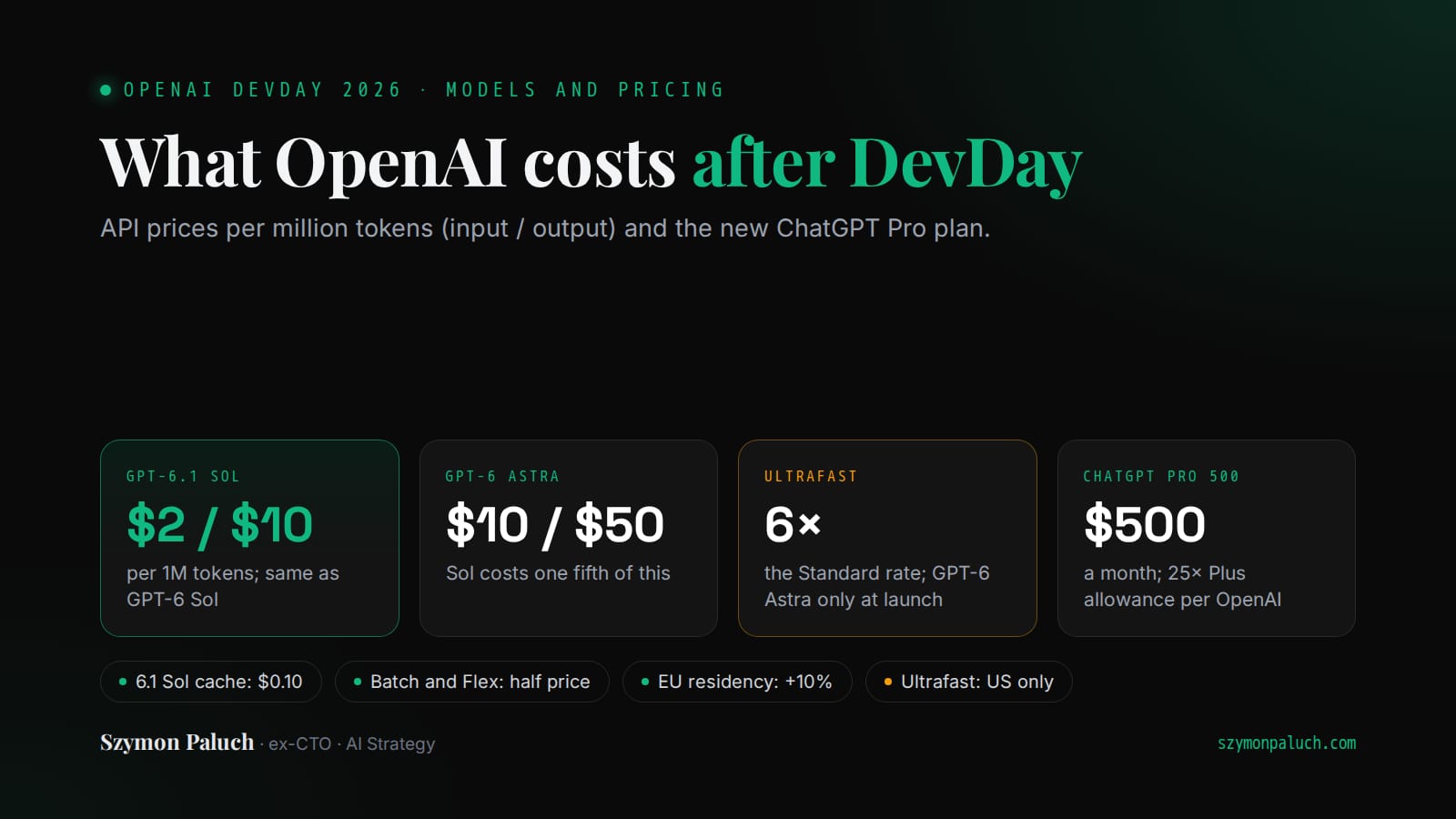
The API has a European endpoint, eu.api.openai.com. It needs OpenAI's approval for an abuse monitoring mode plus an amendment to your agreement. Models released on or after 5 March 2026 cost 10% more there.
OpenAI signs a Data Processing Addendum (DPA) for ChatGPT Business, Enterprise and the API. Companies in the EEA and Switzerland sign it with OpenAI Ireland Ltd. Transfers outside the EEA rest on standard contractual clauses or a Commission adequacy decision. OpenAI does not train on Business and Enterprise data by default.
Add every new tool to your company's list of AI systems and give it an owner. In a separate piece I write about the losses companies report from AI risks and the minimum rules that prevent them.
The Agentic Architect
Practical patterns, case studies and AI news. Zero spam, once a week.
You'll get one email to confirm. Unsubscribe with one click. Privacy policy
What to switch on first?
| Feature | Plans | Status on 29 September | Check before you start |
|---|---|---|---|
| Space and Pages | Pro, Business, Enterprise | Desktop and web; on mobile only read and share | Sharing rules; details from memory on pages |
| Teams and team tasks | Business, Enterprise | Available; tasks use workspace credits | What the team account can reach; history visible to new members |
| @ChatGPT in Slack and Teams | Business, Enterprise, Edu | After your organisation installs it; no memory | Service account connections; direct messages |
| Meetings | Pro, Business | Beta, macOS app only; Enterprise in alpha | Consent from everyone before you start |
| Sign in with ChatGPT | Sign-in everywhere; plan usage on Plus and Pro | 16 partners with plan usage | Personal plans plugged into tools |
| OpenAI Marketplace | Eligible enterprise customers with an OpenAI commitment | 32 partners; register interest | Which products qualify |
| Private Intelligence | API, organisations approved for ZDR | ZDR with PSP in phases since 22 September; Private Inference this fall | Records in your own cloud for at least 30 days |
Team tasks fit between @ChatGPT and Meetings, once you know what their account can reach. If you need EU data residency, the conversation moves to Enterprise or the API.
Do one thing this week. Open the admin panel and check what is already on. On Business, Space and Meetings are enabled until an admin turns them off. Before anyone records the first meeting, send your team one sentence: who may use Meetings and how they ask others for consent.
Sources and fact-check date
- OpenAI: DevDay 2026 recap
- OpenAI: ChatGPT Space and Pages
- OpenAI Help: the Meetings plugin
- OpenAI Help: data residency in ChatGPT
- API docs: Private Safety Processing
- OpenAI Marketplace
As of 29 September 2026.
Frequently asked questions
What is ChatGPT Space?
Space is a new place where a team works together with ChatGPT. It holds the pages and files you create and share. It replaces Library, while Projects stay separate. It is available on the Pro, Business and Enterprise plans, in the desktop app and on the web. On mobile you can currently find, read and share pages.
What are ChatGPT Pages?
Pages are a new type of document for people working with agents. On a page you write, research, and create charts and images. Several people can edit it at once, each with their own ChatGPT. Pages follow the same plans and sharing settings as Space.
Does ChatGPT Business store data in the EU?
Not according to OpenAI's pages as of 29 September 2026. OpenAI offers data residency in Europe to eligible API customers and to new ChatGPT Enterprise and Edu customers. Business is not on that list. Space, Pages, Meetings, @ChatGPT and team tasks are also missing from the list of content covered by residency.
What is Sign in with ChatGPT?
It lets you log in to other apps with your ChatGPT account. Plus and Pro users can also spend their plan's allowance in those apps, at launch with 16 partners. You set a weekly cap for each app. The app gets your name, email address and profile picture, but not your conversations or memories.
What is OpenAI Private Intelligence?
It is OpenAI's name for two privacy features. The first is Zero Data Retention with Private Safety Processing, an API mode rolling out in phases since 22 September. It goes to organisations already approved for ZDR. The second is Private Inference, a preview announced for this fall, for eligible safety-inference workloads.